


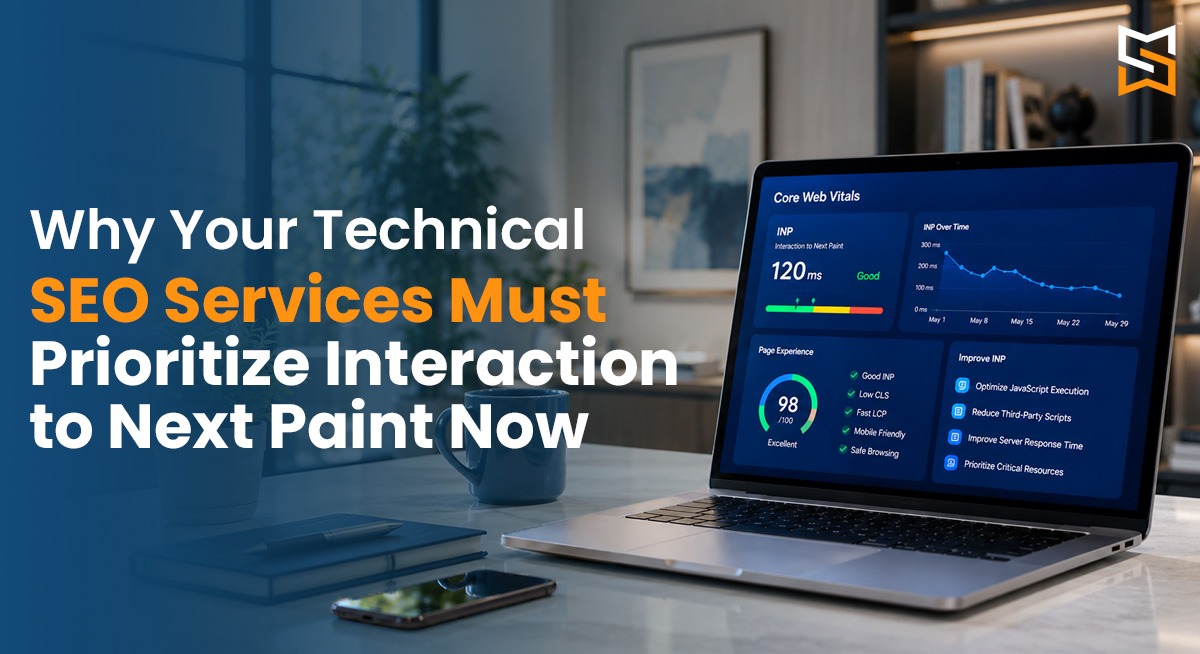

If your website loads fast but still feels slow to users, you are not alone. A lot of businesses today believe that website speed optimization ends once your page loads, but Google has moved ahead, and so should you. One metric is now making a big difference in rankings and user experience interaction to Next Paint. It is a part of Google's core web vitals, and it directly affects how users feel when they click a tab or type your website. That's why modern technical SEO Services must prioritize INP, not just page load time.
What Is Interaction to Next Paint (INP) in Simple Words?
INP measures how fast your website responds when a user interacts with it.
For example:
Clicking a button
Opening a menu
Submitting a form
Selecting a product filter
If your website takes time to react, users feel frustrated even if the page itself loads quickly. INP looks at the delay between your user’s action and the moment the screen visually updates. Google tracks all this across the entire session, not just one click. If your input is poor, Google sees your website as slow, even if the other metrics look completely fine.
INP Score Benchmarks:
Good: Under 200 milliseconds
Needs improvement: 200–500 milliseconds
Poor: Over 500 milliseconds
Why did Google replace FID with INP?
Earlier, Google used first input delay; it measured only the first interaction, and that wasn't enough. INP core web vital is better because it measures all the interactions, not just the first one and also reflects your real user experience. This change means that your website speed optimization is no longer only about loading but also about responsiveness.
Why INP Matters for technical SEO services?
If your technical SEO services are still focused on site speed optimization, then they are outdated.
INP is a ranking factor
INP is now officially part of Google Core Web Vitals optimization, and poor INP can lower your rankings, reduce visibility and competitive keywords and affect AI-driven search results and featured snippets.
INP directly impacts conversions
A website that reacts slowly loses trust; your users might just abandon forms and leave product pages. Even a small delay can cause a big drop in conversions.Mobile users are more sensitive.
Most users today browse on mobile. Slow introductions on mobile devices hurt your user engagement and session duration. INP issues show up more clearly on mobile, making optimization very important.
Common reasons for poor INP
Too much JavaScript blocks the browser from responding quickly to user actions. When your browser is busy doing too many things at once, it cannot respond fast. Chat widgets, tracking tools and ads can also slow down interactions. Furthermore, badly written click or input handlers delay visual updates. That's why technical SEO services must go beyond basics.
How do technical SEO services improve INP?
A professional SEO company in Mumbai, or anywhere else, should treat INP as their priority metric. Experts break long tasks into smaller ones and use different scripts while removing unused JavaScript. They can also help you improve browser responsiveness by reducing render-blocking resources and optimizing DOM size.
How INP Affects SEO Beyond Rankings
INP doesn’t just impact rankings; it affects everything connected to SEO:
Lower bounce rates
Higher time on site
Improved crawl efficiency
Better mobile usability scores
Google rewards websites that feel fast and smooth, not just ones that load quickly.
Is Your Website INP-Ready?
Ask yourself:
Do buttons respond instantly?
Do forms feel smooth?
Does your site freeze when scrolling or clicking?
Does mobile navigation lag?
Why Businesses in Competitive Markets Must Act Now
In cities like Mumbai, competition is intense. If your website feels slow, users have dozens of alternatives.
Prioritizing INP gives you:
Better search rankings
Smoother user experience
Higher engagement and conversions
Stronger brand trust
So the rules of SEO are completely changing. Google Core Web Vitals optimization is no longer optional. Modern technical SEO services must focus on real user experience and optimize interactions, not just load time. The website that will win tomorrow is the one that feels fast every time a user interacts, not just when the page loads.
FAQs
1: How can I check my website's Interaction to Next Paint (INP) score?
You can measure your website's INP using tools like Google Search Console's Core Web Vitals report, Google PageSpeed Insights, and Chrome DevTools. These tools help identify pages with poor responsiveness and highlight the elements or scripts responsible for interaction delays, making it easier to prioritize fixes.
2: Which types of websites benefit the most from INP optimization?
While every website should optimize INP, it is especially important for eCommerce stores, SaaS platforms, banking websites, healthcare portals, educational platforms, and booking websites where users frequently interact with forms, filters, search bars, and checkout processes. Faster interactions create a smoother experience and help reduce user frustration.
3: How often should businesses monitor their Core Web Vitals?
Core Web Vitals should be monitored regularly, especially after launching a new website, redesigning pages, adding plugins, or deploying new features. Conducting monthly performance audits helps identify issues early and ensures your website continues to meet Google's evolving performance standards.
4: Can third-party tools and plugins affect my website's INP score?
Yes. Live chat widgets, analytics scripts, advertising tags, social media embeds, and other third-party plugins can increase processing time and delay user interactions. Regularly reviewing and optimizing these tools helps maintain a responsive website without sacrificing essential functionality.
Author: Sonali Jadhav (SEO Head)
Review Expert: Heta Desai Baandal